
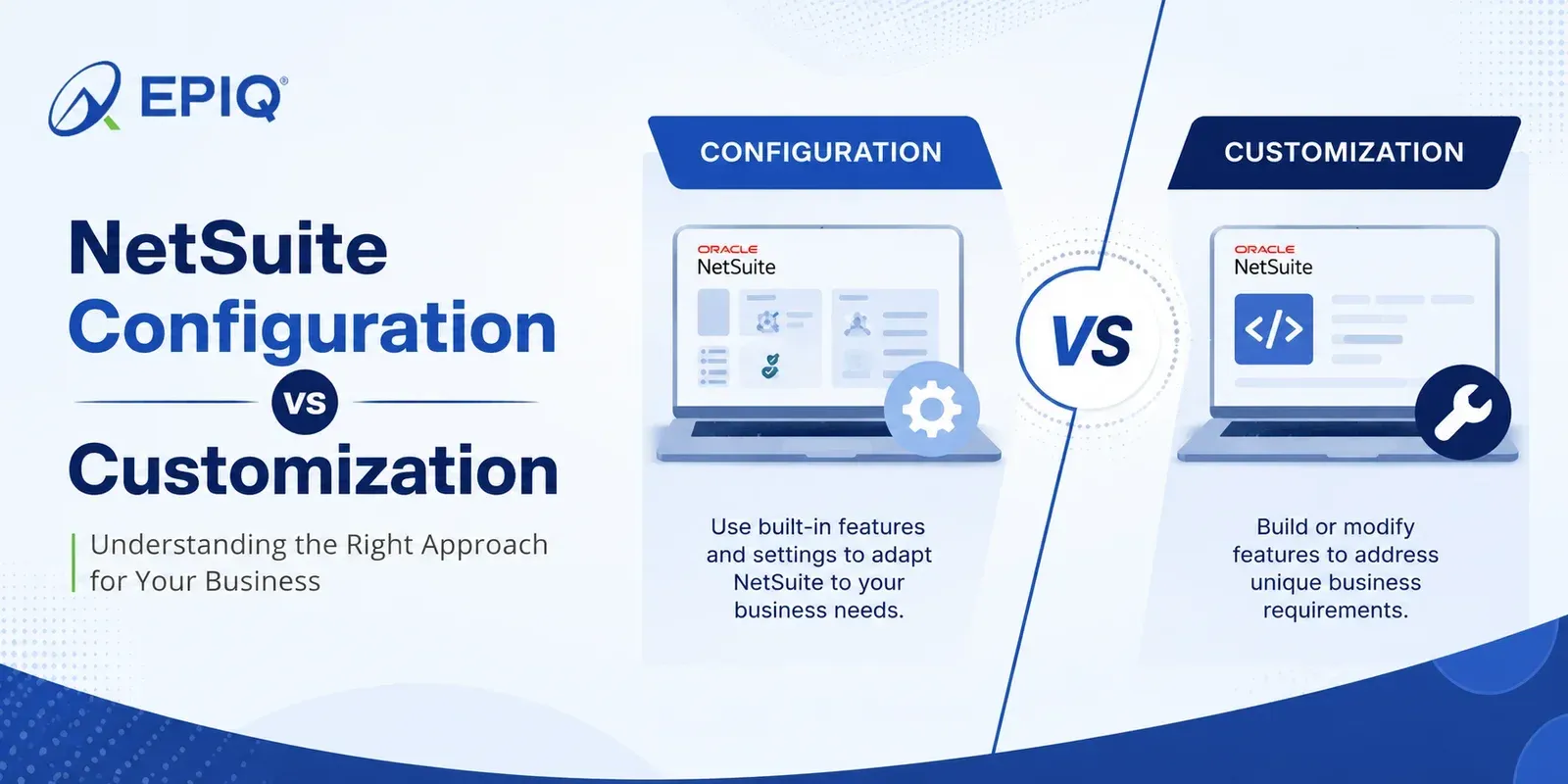
NetSuite Configuration vs Customization: The Complete Guide
By Santosh Krishnamoorthy, Principal ERP Consultant at EPIQ Infotech | Updated for 2026 | 10 min read
Configuration means adjusting NetSuite's native settings and standard records without code, while customization means adding new functionality with SuiteCloud tools and scripting. Configuration is faster, cheaper, and upgrade-proof, so it should always be evaluated first. Customization is the right call only when a real business outcome depends on logic the standard platform cannot express. Most requirements are a mix, and knowing which is which protects both your budget and your upgrade path.
What Is the Difference Between Configuration and Customization?
NetSuite is built to be shaped, and it gives you two very different ways to do it. Getting the distinction right is one of the most consequential decisions in any NetSuite project, because it drives cost, timeline, risk, and how much work every future release will create.
Configuration is the work of tailoring NetSuite using the settings and standard records it ships with. You are choosing options, setting preferences, adding standard fields, arranging forms, and assigning roles. No code, and it all moves through NetSuite's twice-yearly releases automatically.
Customization is the work of extending NetSuite beyond what it ships with, using the SuiteCloud platform: SuiteBuilder, SuiteFlow, and SuiteScript. You are creating new records, scripting logic, building automations, and connecting other systems. It is more powerful, and it needs testing against each release to stay healthy.
Configuration vs Customization at a Glance
| Factor | Configuration | Customization |
|---|---|---|
| What it is | Adjusting native settings and standard records | Adding new functionality with SuiteCloud tools |
| Tools | Setup menus, standard fields, native workflows, roles, forms | SuiteBuilder, SuiteFlow, SuiteScript, RESTlets, SuiteTalk |
| Code required | None | Often, for anything beyond point-and-click |
| Who does it | Trained administrator or functional consultant | Certified developer or technical consultant |
| Typical time | Hours to days | Days to multiple release cycles |
| Relative cost | Low | Higher, scales with complexity |
| Upgrade impact | Moves with every release on its own | Needs testing against each release |
| Reversibility | Easy to change or undo | Requires change management |
| Best for | Standard needs with minor variation | Unique logic, automation, cross-system flows |
What Counts as Configuration
If you can accomplish it through NetSuite's setup screens without writing code, it is configuration. Common examples:
- Enabling features and setting accounting preferences
- Adding standard custom fields to existing records
- Building custom forms and arranging field layouts
- Setting up native approval routing on standard transactions
- Creating saved searches and role-based dashboards
- Defining roles, permissions, and center tabs
- Configuring subsidiaries, currencies, and tax settings
Configuration covers far more ground than most teams expect. A large share of what people call "customization" is really configuration they have not discovered yet, which is exactly why it deserves a first look.
What Counts as Customization
Once a requirement needs new logic, a new record type, or a connection to another system, you are in customization territory. Common examples:
- Creating custom record types for entities NetSuite does not ship
- Automating logic in SuiteFlow workflows beyond simple approvals
- Writing SuiteScript for calculations, validation, or bulk processing
- Building integrations with CRM, eCommerce, or logistics platforms
- Packaging features as a SuiteApp for repeatable deployment
- Adding scripted fields that source or validate data dynamically
The Gray Area: Requests That Fool People
Plenty of requests sound like customization but are not, and a few sound simple but are not. This mapping settles the most common ones.
| The request | Answer | Why |
|---|---|---|
| Add a field to the sales order | Configuration | Standard custom fields are native setup |
| Route POs over $10k to a second approver | Configuration | Native approval routing handles thresholds |
| Show each role a tailored home page | Configuration | Dashboards and roles are native |
| Auto-calculate a tiered commission on save | Customization | Needs scripted logic (SuiteScript) |
| Track a new entity like inspections | Customization | Requires a custom record type |
| Sync orders with your CRM in real time | Customization | Requires an integration (RESTlet or SuiteTalk) |
| Branch approvals by plant, value, and margin | Customization | Logic exceeds native routing rules |
When Should You Customize NetSuite?
Here is the framework we apply to every request before recommending customization. Ask four questions, in order, and stop at the first "yes".
Can native configuration solve it?
If a standard feature covers the need with setup, configure it. This resolves the majority of requests.
Does a supported SuiteApp solve it?
A vetted marketplace application may deliver the capability without any custom build to maintain.
Is the underlying process actually sound?
If the process itself is broken, fix the process. Automating a bad process just makes bad outcomes faster.
Only now, customize
If the answer to the first three is no and a real business outcome depends on it, scripted customization is the right call.
When Configuration Is Enough vs When Customization Is Worth It
Configuration is usually enough when
- A native feature covers the need with setup
- The request is a preference, not a process rule
- A supported SuiteApp already solves it
- Only a few users are affected, and rarely
- The process should be fixed, not automated
Customization is worth it when
- A daily process depends on logic NetSuite cannot express
- You need a record type that does not exist
- Manual re-entry between systems is costing real time
- Approvals or calculations exceed native rules
- A clear owner will maintain the result
Cost, Time, and Upgrade Impact
The three practical trade-offs almost always decide the call. Configuration wins on speed and cost and carries almost no upgrade burden. Customization costs more up front and adds a small, ongoing maintenance commitment, because scripted work should be retested against NetSuite's twice-yearly releases.
That maintenance burden is real but manageable when the work is built the right way, on SuiteScript 2.1 with source control and sandbox testing. The trap is not customization itself. It is undisciplined customization that no one documents or owns, which quietly turns into technical debt.
A Simple Decision Workflow
Write down the outcome
Describe the business result you want, not the feature you think you need.
Test it against native capability
Check whether configuration or a SuiteApp already delivers it.
Confirm the process is sound
Make sure you are not about to automate a broken workflow.
Scope the customization properly
If it is genuinely customization, define acceptance criteria, an owner, and a test plan before building.
Common Mistakes
- Reaching for customization before exploring configuration, which inflates cost
- Customizing to preserve a legacy process that should have been redesigned
- Building in production instead of a sandbox
- Leaving customizations undocumented and unowned
- Assuming configuration cannot do something without checking
Key Takeaways
- Configuration adjusts native NetSuite, customization extends it with code
- Always evaluate configuration first, it is cheaper and upgrade-proof
- Customize only when a real outcome needs logic the platform cannot express
- Use the four-question filter before approving any custom build
- Disciplined customization is an asset, undocumented customization is debt
Where to Go Next
If your requirement lands clearly on the customization side, the next step is scoping it properly rather than forcing it into configuration. Our NetSuite customization services page covers how EPIQ designs, builds, and maintains upgrade-safe customizations. If you are not sure which side of the line you are on, a NetSuite health check is the fastest way to find out.
Frequently Asked Questions
What is the difference between NetSuite configuration and customization?
Configuration adjusts NetSuite's native settings and standard records without code, and it moves through every release automatically. Customization adds new functionality using SuiteBuilder, SuiteFlow, or SuiteScript, and it needs testing against each release. Configuration should always be evaluated first because it is cheaper and lower risk.
Is adding a custom field configuration or customization?
Adding a standard custom field to an existing record is configuration. It is done through NetSuite's setup screens with no code and carries through releases automatically. It only becomes customization when the field needs scripted logic to source or validate its value.
When should a business customize NetSuite?
Only when native configuration cannot solve it, no supported SuiteApp solves it, the underlying process is already sound, and a real business outcome depends on the change. If any of the first three conditions is met, customization is usually the wrong choice.
Is configuration always cheaper than customization?
Almost always, yes. Configuration is faster, needs no developer, and carries no upgrade maintenance. Customization costs more up front and adds a small ongoing commitment because scripted work should be retested against NetSuite releases. That is why configuration is evaluated first.
Do configuration changes survive NetSuite upgrades?
Yes. Configuration uses native features, so it moves through NetSuite's twice-yearly releases automatically. Only scripted customizations need release testing, and when built on supported APIs they carry through cleanly too.
Is a saved search or dashboard a customization?
No, saved searches and dashboards are native configuration. They require no code and upgrade automatically. They only shade into customization when a KPI depends on data that NetSuite is not capturing yet, which may call for a custom field or record.
Can too much customization cause problems?
Yes. Undocumented, unowned customization accumulates as technical debt, slows performance, and raises the cost of every release. Customization built with standards, source control, and clear ownership avoids this and stays an asset over time.
Who decides whether to configure or customize?
A functional or technical NetSuite consultant, working from the business outcome. The right partner maps each requirement to native capability first and recommends customization only when it is genuinely needed, which keeps cost and risk down.
Not sure whether to configure or customize?
EPIQ's certified NetSuite consultants map each requirement to the lightest option that works, then scope any customization properly before a line of code is written. Get a straight answer, not a sales pitch.
Talk to a NetSuite Expert →
Santosh Krishnamoorthy is a Principal ERP Consultant at EPIQ Infotech, with extensive experience in NetSuite and enterprise systems. He works with finance and operations teams to improve reporting accuracy, streamline workflows, and build ERP environments that support sustainable growth. His writing focuses on practical insights drawn from real implementation and support experience.
Free Consultation
Talk to a NetSuite Expert
Response within 1 hour