NetSuite partner transition guide
How to Switch NetSuite Partners Without Losing Support Continuity
Changing NetSuite partners is routine, but the handoff is where things break: undocumented scripts, integrations running on someone else's credentials, and open issues nobody wrote down. This guide walks through the contract checks, knowledge transfer, and access cutover that keep your NetSuite support services running without a gap.
By Santosh Krishnamoorthy, EPIQ Infotech. Published October 8, 2026. NetSuite navigation paths verified against Oracle's NetSuite Help Center.
How do you switch NetSuite partners?
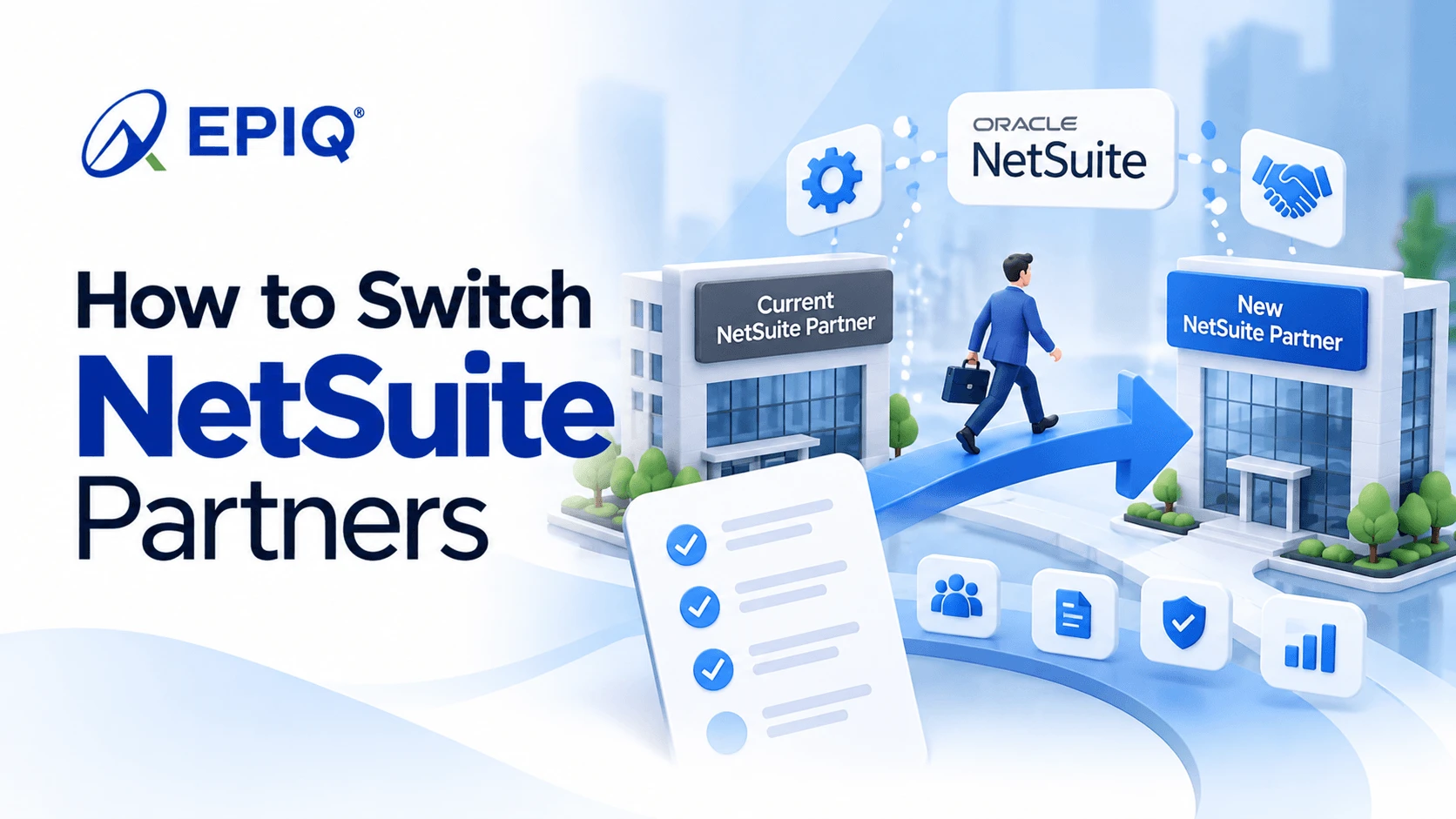
Start by reviewing your current contract for notice periods, prepaid hours, and ownership of custom code. Select the new partner before giving notice, then run a short overlap so the outgoing partner can hand over documentation, open issues, and integration details. Once the new partner has company-owned access and every integration runs on credentials your company controls, revoke the old partner's user access, tokens, and authorized applications. You usually do not need to change your NetSuite Partner of Record to change who provides your NetSuite support services.
Key takeaways
- Choose the new partner first, then give notice, so support never lapses.
- Your contract decides notice, unused hours, and who owns custom code and documents.
- The riskiest step is access cutover: integrations often run on the old partner's credentials.
- Removing a user's roles does not revoke their tokens; revoke tokens explicitly.
- Switching your support partner rarely requires changing your Partner of Record.
Before you decide
Six signs it is time to switch NetSuite partners
One bad ticket is not a pattern. These are the signals that tend to repeat.
Fixes keep coming back
The same script errors, sync failures, or report issues return because the root cause was never addressed.
A new consultant every month
You re-explain your setup to rotating staff, and context about your customizations is lost each time.
No documentation
Scripts and workflows exist in your account, but nobody can show you what they do or why they were built.
Releases catch you off guard
Each twice-yearly NetSuite release breaks something because nobody tests your customizations in advance.
Integrations are "someone else's problem"
Middleware and connector issues bounce between vendors with no single owner.
You have outgrown them
New subsidiaries, ecommerce channels, or AI features need skills your current partner does not have.
If the problem is an implementation that never stabilized, rather than ongoing support, start with our NetSuite rescue approach instead. If you are leaving Oracle's own managed service, see our guide to NetSuite ACS alternatives.
Licensing vs. services
Do you need to change your NetSuite Partner of Record?
Usually not. Your Partner of Record is tied to how you buy NetSuite licenses, while your support partner is whoever you hire to work in your account. Those can be different firms.
If you license NetSuite directly from Oracle, your services partner is typically an Alliance Partner, and switching support partners does not touch your license contract at all. If you bought licenses through a Solution Provider, that firm may also manage your renewals. You can still hire a different firm for support, and decide separately whether to move licensing at a later renewal. Our guide to NetSuite Alliance Partners and Solution Providers explains the difference.
Check two things before you assume either way: who is named on your current Estimate/Order Form, and whether any SuiteApps or middleware subscriptions were bought through your outgoing partner, since those licenses may need to move to your company.
Read before giving notice
Six contract terms to check before you switch
These decide how cleanly you can leave. Read them with your current agreement open, and involve your legal team for anything unclear.
Notice period and termination
How much notice is required, whether you can terminate for convenience, and whether early termination carries a fee.
Prepaid and unused hours
Whether unused block or retainer hours expire, roll over, or can be applied to transition work before you leave.
Ownership of custom code
Scripts live in your NetSuite account, but your agreement decides who holds rights to the code, source files, and reusable components.
Documentation and deliverables
Which design documents, runbooks, and integration specs you are entitled to receive, and in what format.
Transition assistance
Whether the outgoing partner must support a handover, and at what rate. If the contract is silent, negotiate a short paid overlap.
Third-party licenses and accounts
Middleware, connectors, and SuiteApps bought or registered by the partner, and how ownership transfers to your company.
Transition plan
The four phases of a NetSuite partner transition
The length of each phase depends on how many scripts, integrations, and subsidiaries you run. What matters is the order.
Prepare
- Inventory your account (or run a health check)
- Review the contract terms above
- Select the new partner and agree scope and SLAs
Overlap
- Give notice
- Collect documentation and open issues
- Hold handover sessions between both partners
- Give the new partner its own named access
Cutover
- Move integrations to company-owned credentials
- Revoke old access, tokens, and applications
- Route all new requests to the new partner
Stabilize
- Close inherited tickets
- Fill documentation gaps
- Review the first month, then set a quarterly roadmap
Interactive checklist
NetSuite partner handover checklist
Use this during the overlap phase. Ticks are saved in your browser only, so you can come back to it.
Handover progress
0 of 0Security at cutover
How to remove the old partner's NetSuite access safely
Do this only after your integrations are confirmed to run on credentials your company controls. Navigation paths follow Oracle's NetSuite Help Center; labels can vary slightly by account, role, and release.
Check integrations first. Integrations are often set up under a consultant's own user or tokens. Revoking those before you move the integration to a company-owned integration user will stop it. If your integrations still use token-based authentication, this is a good moment to plan the move covered in our TBA to OAuth 2.0 guide.
Review recent logins
Use the login audit trail at Setup > Users/Roles > View Login Audit Trail to see which outgoing partner users are still active and when they last signed in.
Remove user access
On each outgoing partner user's record, clear the Give Access box on the Access subtab. Do the same in every sandbox, since sandboxes carry copies of production users.
Revoke token-based authentication tokens
Go to Setup > Users/Roles > User Management > Access Tokens and revoke tokens tied to outgoing partner users or applications. Oracle notes that removing roles from a user does not revoke that user's tokens, so this step is needed separately.
Revoke OAuth 2.0 authorized applications
At Setup > Users/Roles > OAuth 2.0 Authorized Applications, revoke applications the outgoing partner authorized. Revoking an application invalidates all of its tokens.
Review machine-to-machine certificates
For OAuth 2.0 client credentials, check Setup > Integration > Manage Authentication > OAuth 2.0 Client Credentials (M2M) Setup and revoke certificates the outgoing partner controls. Oracle notes this setup is not copied to sandbox or Release Preview accounts, so check each account.
Rotate shared credentials
Change any passwords, API keys, or middleware logins the outgoing partner knew, including in connected systems outside NetSuite.
Avoid these
Five mistakes that turn a partner switch into an outage
Giving notice before choosing a replacement
Support stops before anyone else can step in, often right before month-end.
Revoking access before moving integrations
Orders, payments, or inventory syncs stop because they ran on the old partner's credentials.
Switching during close or a release window
Avoid cutover in the weeks around month-end close or a NetSuite release upgrade.
Accepting "it is all in the account" as documentation
The code is there, but the reasons behind it are not. Ask for written context on every script and integration.
Leaving licenses in the partner's name
Middleware and SuiteApp subscriptions registered to the outgoing partner can lapse or become hard to transfer later.
Switching to EPIQ? We run the handover for you.
EPIQ Infotech, an Oracle NetSuite Alliance Partner since 2013, starts every transition with a review of your account and contract, coordinates knowledge transfer with your outgoing partner, and moves integrations to company-owned credentials before any access is removed. See the full scope of our NetSuite support services.
FAQ
Switching NetSuite partners: frequently asked questions
Can I switch NetSuite partners in the middle of a contract?
Usually yes, but your agreement decides the cost. Check the notice period, whether you can terminate for convenience, any early termination fee, and what happens to prepaid hours before you give notice.
Do I need to change my NetSuite Partner of Record to switch support partners?
Usually not. The Partner of Record relates to how your NetSuite licenses are sold and renewed, while your support partner is whoever you hire to work in your account. You can change support partners and review licensing separately at a later renewal.
Will switching NetSuite partners cause downtime?
Changing partners does not take NetSuite offline. The real risk is integrations stopping if the old partner's users or tokens are revoked before those integrations are moved to credentials your company owns.
Who owns the scripts my old NetSuite partner wrote?
The scripts run in your NetSuite account, but rights to the code, source files, and documentation depend on your services agreement. Review the intellectual property and deliverables sections before you give notice.
What should my outgoing NetSuite partner hand over?
At minimum: a list of scripts, workflows, and customizations with their purpose, integration details including authentication and the user each runs as, open tickets and known issues, sandbox status, and any design documents or runbooks.
How long does it take to switch NetSuite partners?
It depends on how many scripts, integrations, and subsidiaries you run and how cooperative the outgoing partner is. Plan an overlap long enough for handover sessions and integration credential changes, and avoid cutover near month-end close or a NetSuite release.
Should I tell my current partner before choosing a new one?
It is usually safer to select the new partner first, then give notice. That way support never lapses, and the new partner can join handover sessions from the start.
Is switching from Oracle ACS different from switching partners?
Yes. ACS is an Oracle subscription with its own renewal terms and forfeited hours, and Oracle consultants are not dedicated to your account, so handover looks different. Our NetSuite ACS alternatives guide covers that case.

Santosh Krishnamoorthy is a Principal ERP Consultant at EPIQ Infotech, with extensive experience in NetSuite and enterprise systems. He works with finance and operations teams to improve reporting accuracy, streamline workflows, and build ERP environments that support sustainable growth. His writing focuses on practical insights drawn from real implementation and support experience.
Free Consultation
Talk to a NetSuite Expert
Response within 1 hour